You haven't signed in yet, you can have a better experience after signing in
*Please complete the payment within {{receiveCouponInfo.expire_at}}Previous use*
You haven't signed in yet, you can have a better experience after signing in


Activity Rules
1、Activity time:{{ info.groupon.start_at }} ~ {{ info.groupon.end_at }}。
1、Activity time:cease when sold out。
2、Validity period of the Group Buying:{{ info.groupon.expire_days * 24 }} hours。
3、Number of Group Buying:{{ info.groupon.need_count }}x。
Please Pay Attention
1、Teamwork process: Join/initiate a Group Buying and make a successful payment - Within the validity period, the number of team members meets the activity requirements - Group Buying succeeded!
2、If the number of participants cannot be met within the valid period, the group will fail, and the paid amount will be refunded in the original way.
3、The number of people required and the time of the event may vary among different products. Please pay attention to the rules of the event.
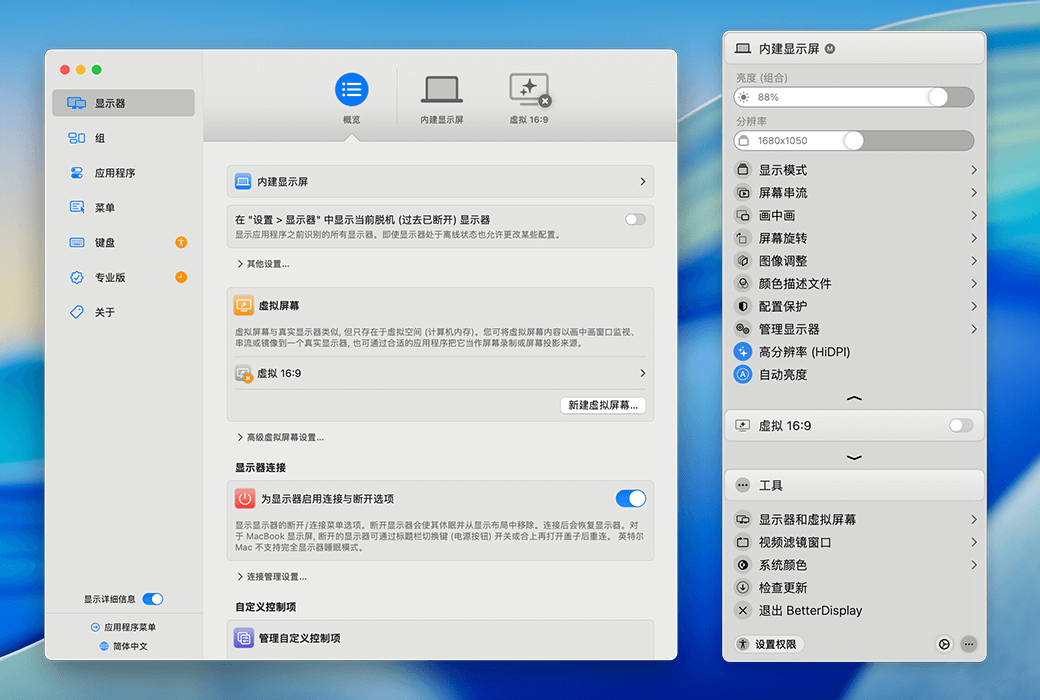
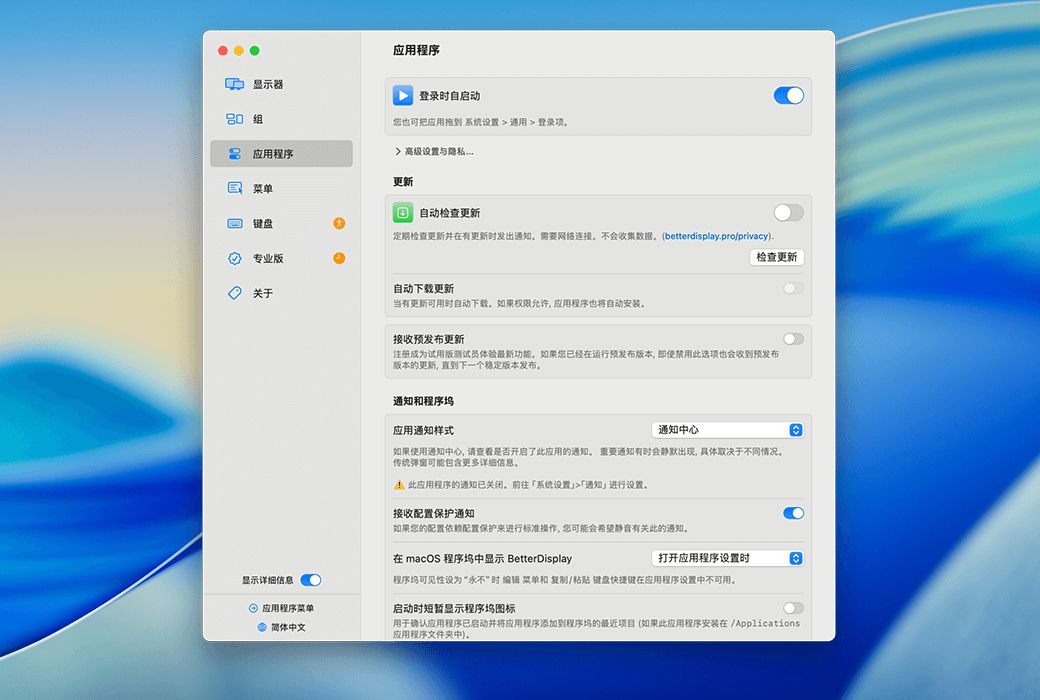
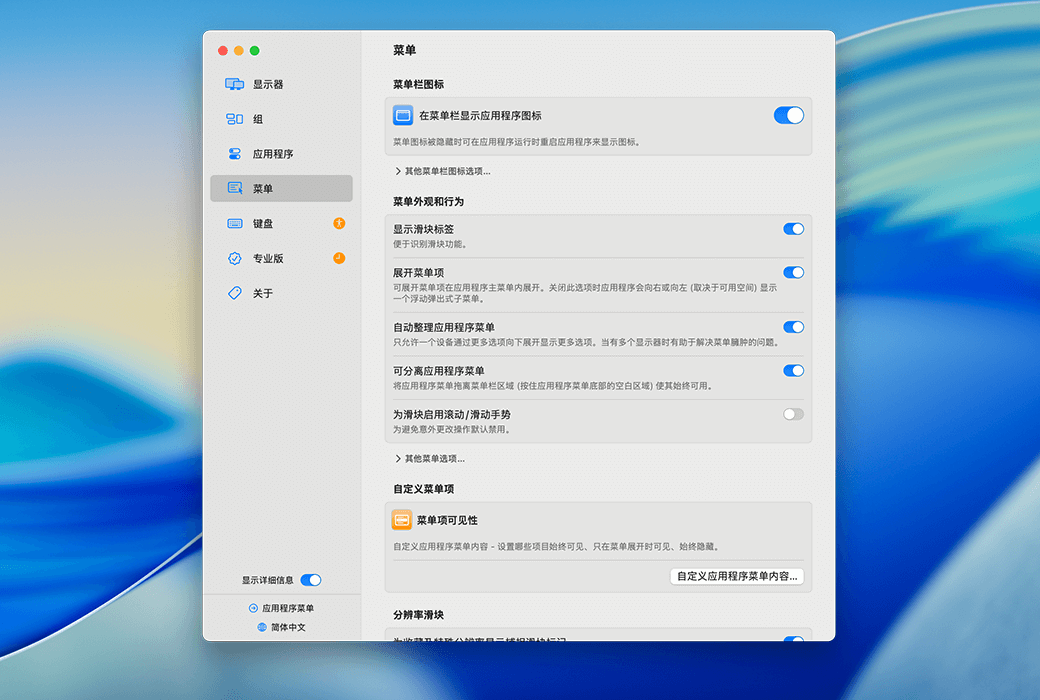
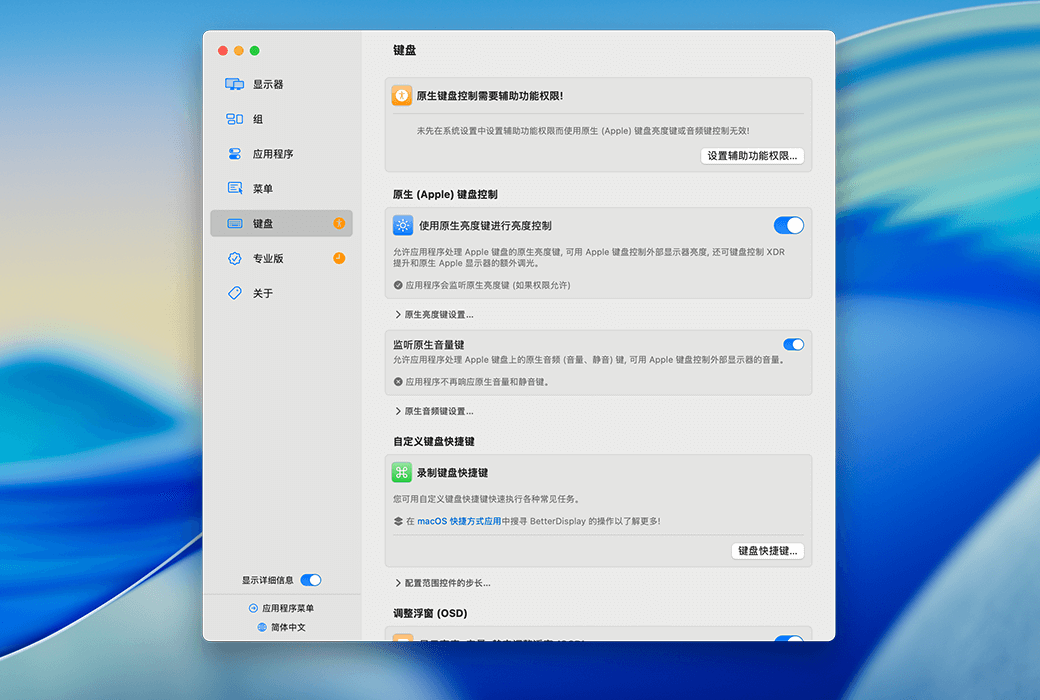
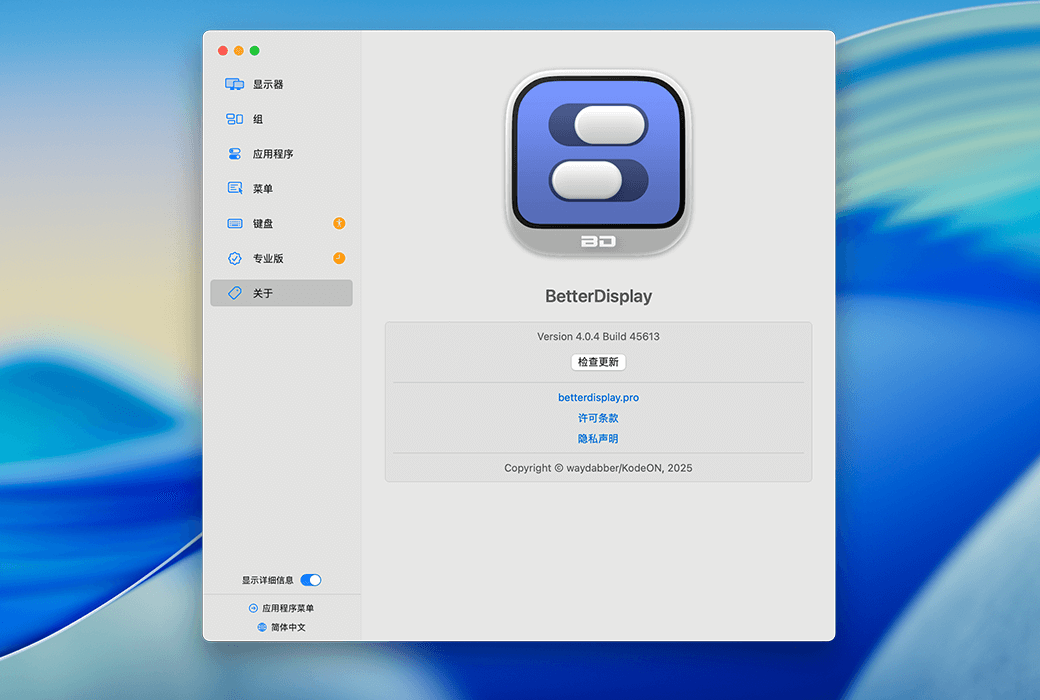
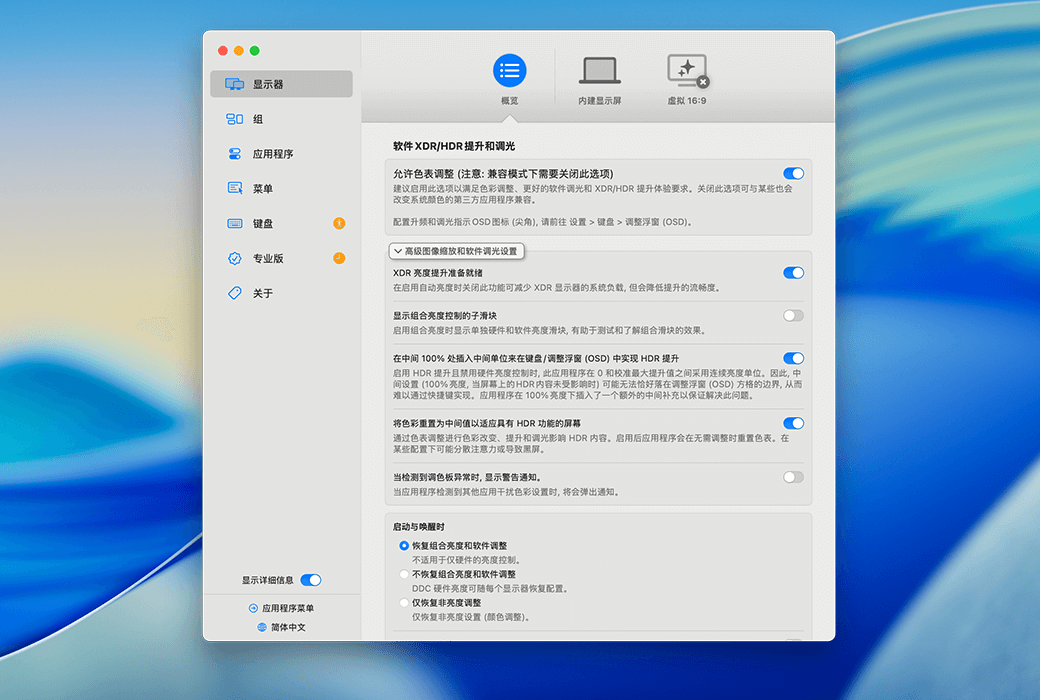
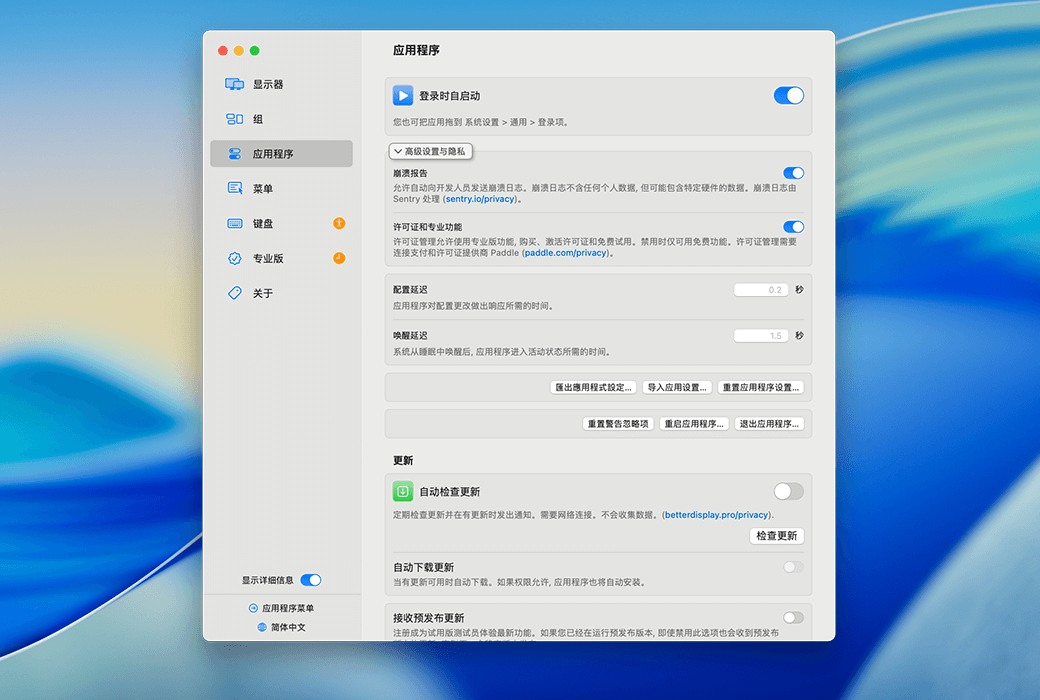
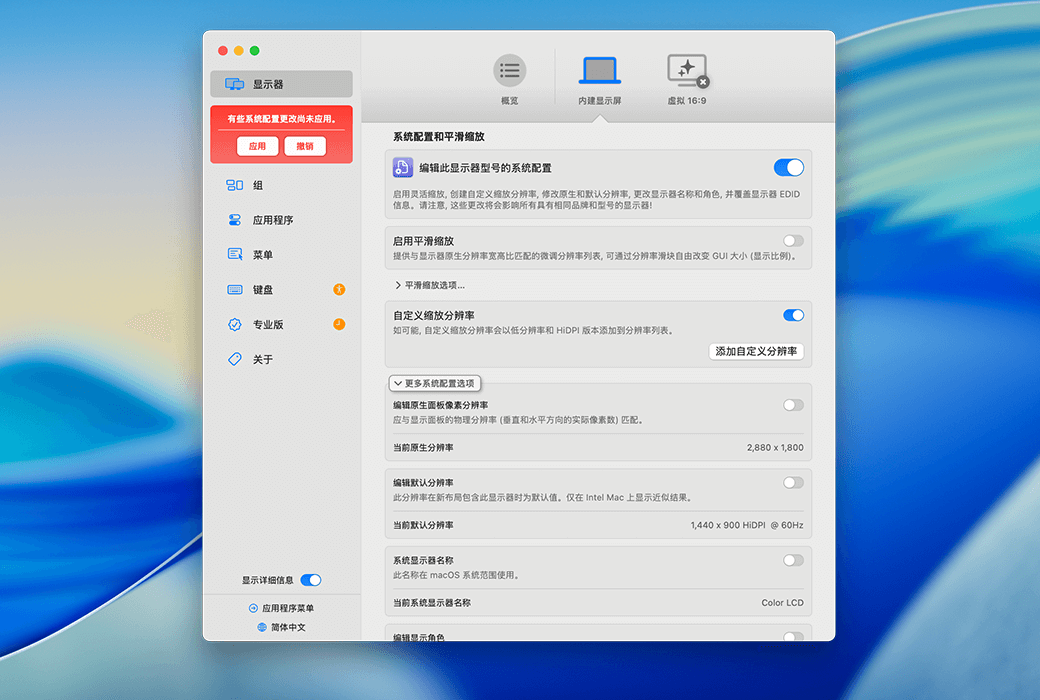
Better Display Pro offers customizable resolution, XDR/HDR extra brightness, virtual screen, picture in picture, soft disconnect, configuration and EDID overlay, DDC control, color mode selection, synchronization, layout protection, and more!
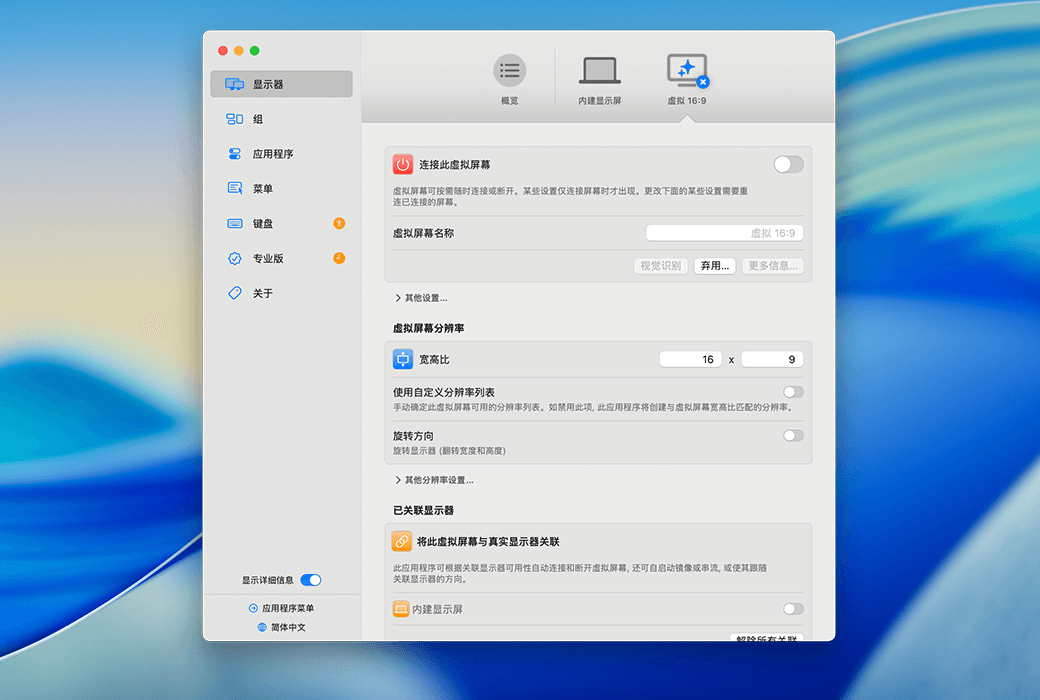
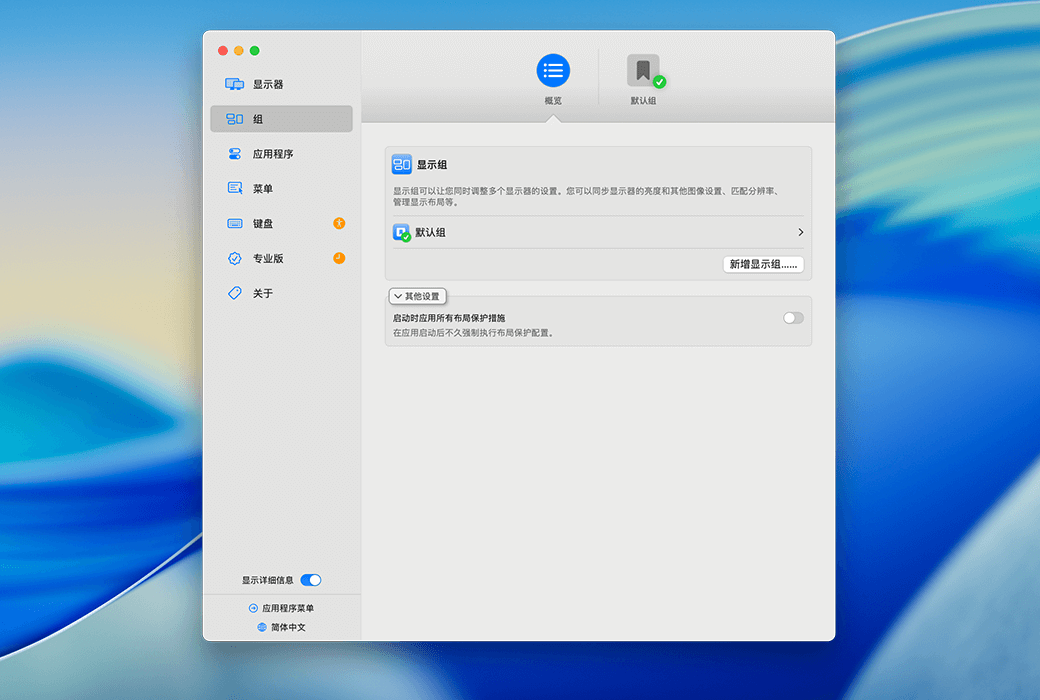
BetterDsplay is a truly great tool! It allows you to convert your monitor into a fully scalable screen, manage display configuration overlay, allow brightness and color control, provide XDR/HDR brightness boost (extra brightness of over 100% for compatible XDR or HDR monitors on Apple Silicon and Intel Mac - multiple methods available), completely darken to black, help you create and manage virtual screens for Mac, create a picture in picture window for your monitor, and provide many other features for you to easily manage monitor settings such as display and color modes from the menu bar. It can even instantly disconnect/reconnect the monitor!
main features
Display and Color Management
Display Control and Management
Layout and Virtual Screen
Other functions
Official Website:https://betterdisplay.pro
Download Center:https://betterdisplay.apsgo.cn
Shipping Time: Automatic shipment within 24 hours
Operating Platform: macOS
Interface Language: Supports Chinese interface display, with multiple languages available.
Update Instructions: Supports minor version upgrades, such as 5.x
Trial Before Purchase: Free trial available before purchase.
How to Receive Your Order: After purchase, the activation information will be sent to the email used for placing the order. You can also view the corresponding product activation code in your personal center, under "My Orders".
Number of Devices: Can be installed on 1~2 computers.
Changing Computers: Deactivate the license on the old computer software, and then reactivate it on the new computer software.
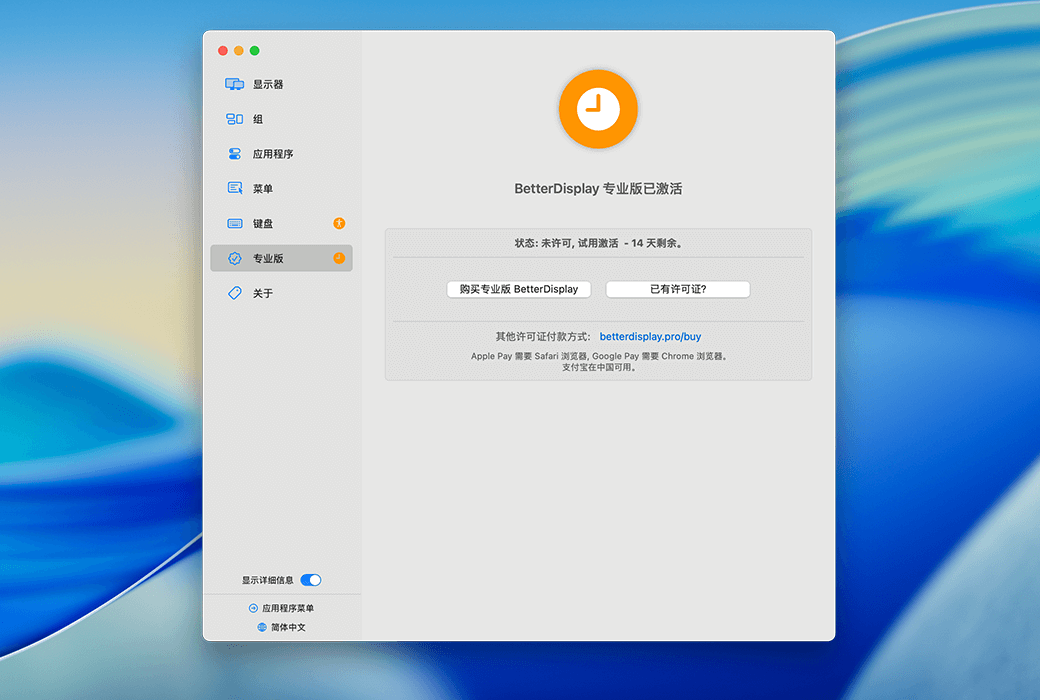
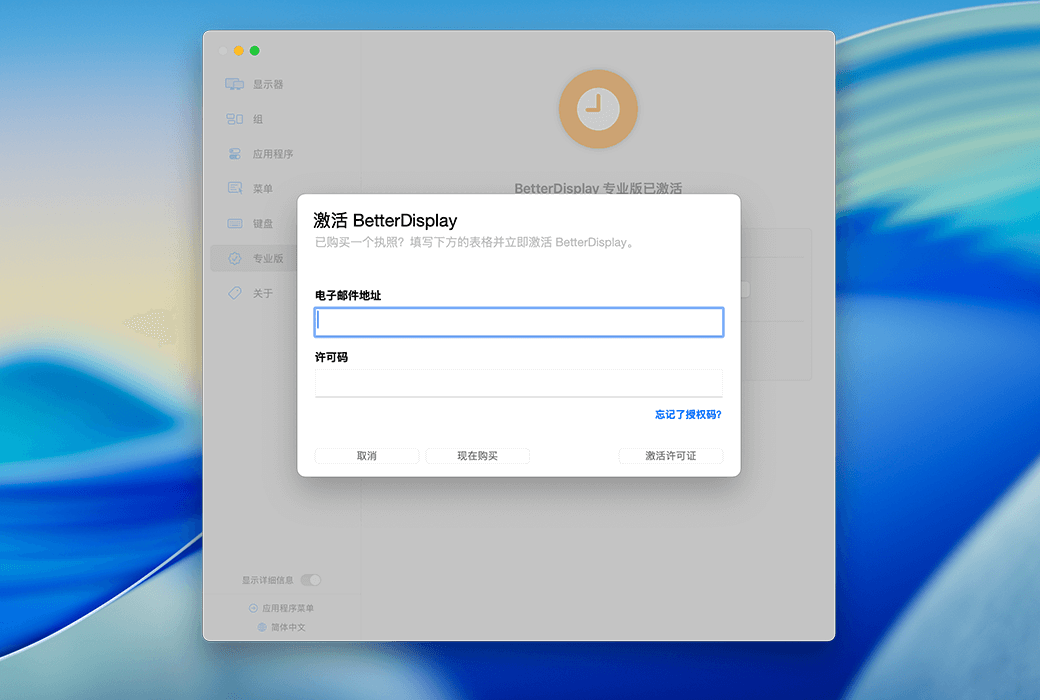
Activation Guide: BetterDisplay --> Settings --> Professional Edition --> Existing License, follow the prompts to copy and paste the activation code.
Special Instructions: To be added.
References:https://github.com/waydabber/BetterDisplay

Any question